

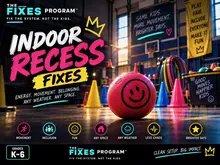

K–3PRIMARY
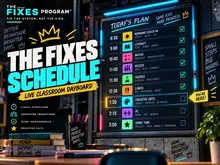
The Fixes™ ScheduleVisual day schedule with built-in clean-up timers. K–3.
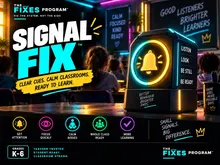
Signal Fix™Teamwork transitions when the room gets loud. Grades 1–8.
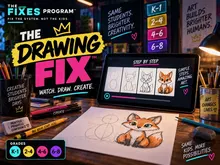
Guided Drawing10-minute step-by-step art. Scrap paper and pencils. K–8.
A calm, high-engagement supply day from one screen. Full day plans when there’s nothing left for you, quick tools when the plans run out early. No prep. No student logins. No ads on student screens.
Walk into a room with thin or unclear plans? Follow the day in three moves, from first bell to last.
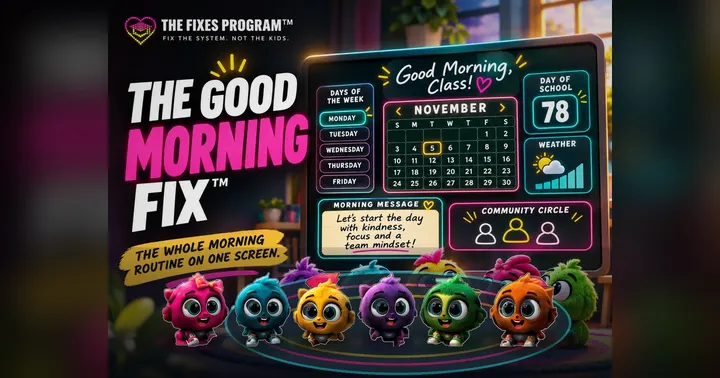

Solves: arriving to a room with no instructions while students come in.
Project the Good Morning Fix™ (K–3) or a Mystery Build™ (Grades 1–8) on the front board. Students notice, settle and start, with no long speech from you.
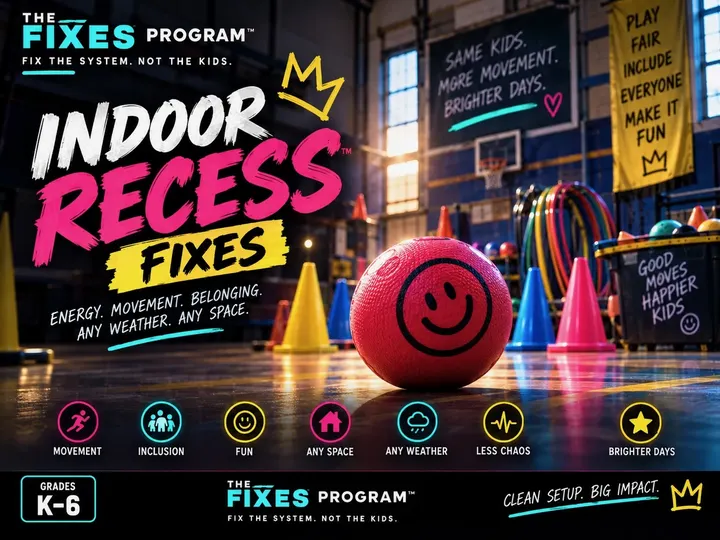
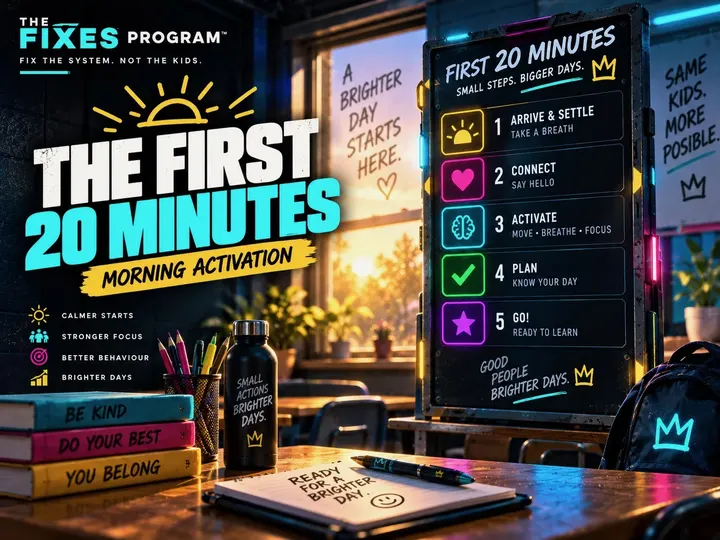
Solves: surprise indoor recess, work finished early, or an awkward 15 minutes before lunch.
Launch Indoor Recess Games or Inter❤Missions™ from your screen. The whole class plays together off the projector. No student devices.
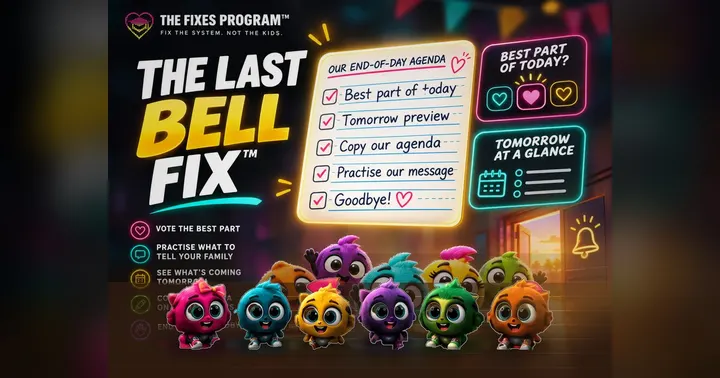
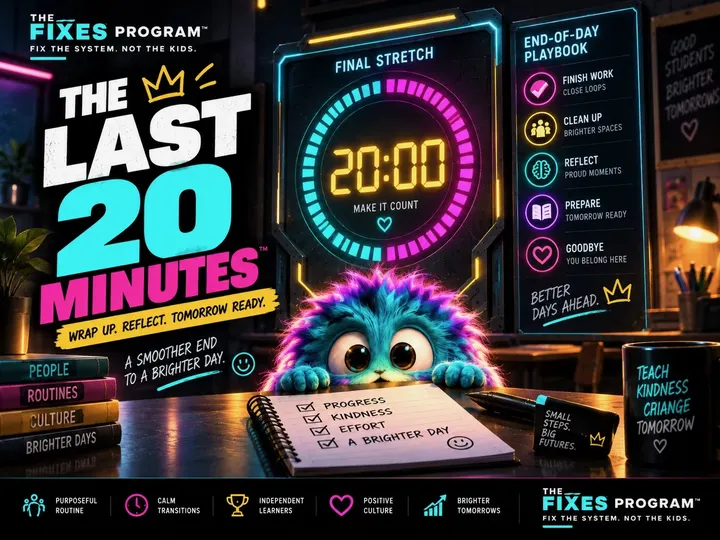
Solves: afternoon restlessness, chaotic packing up and missed dismissal routines.
Run The Last Bell Fix™ (K–3) for the final 10 minutes: the best part of the day, tomorrow’s agenda, a clean dismissal. Older class? The Last 20 Minutes™ (Grades 1–8) closes the day with a short mission.
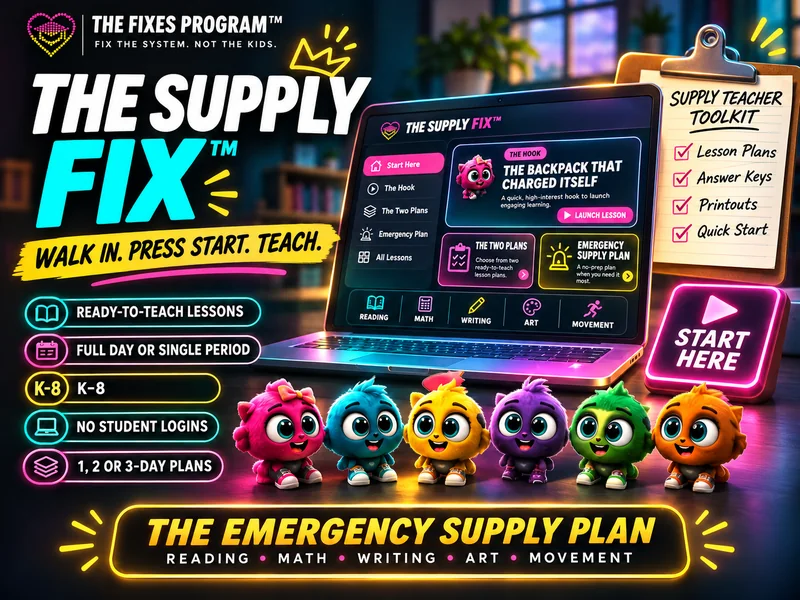
Pick the exact grade and the time you have. Press TEACH. Move through each lesson with NEXT STEP. Lesson packs, answer keys and printouts all follow that choice, so the screen and the paper always match.
Every tool stands on its own. You don’t need to know the class’s rules or routines to run it.



Fill it in, then copy, print or share. It stays on your device. Nothing is sent or saved anywhere. Leave student names out.
Supply teaching is hard enough. Send this kit to a colleague, a friend on practicum or your local occasional teacher group. One short link: thefixesprogram.com/supply

Yes, always first. Use the kit to fill a gap, settle a transition or cover work that finishes early. Use the full Supply Fix™ day only when there’s nothing left for you. Follow student accommodations and local safety procedures.
No. The whole class works from your shared screen and printed copies. No logins, no student data.
The Supply Fix™ core lessons work offline once the files are loaded. Linked games need internet. The built-in 60-second Ready Challenge stays as a fallback. Print teacher plans and student copies before the day when you can.
Use the private teacher window on your laptop with an extended display. If the projector mirrors your laptop, use the printed teacher plan so answers and notes stay off the big screen.
What was taught, what was skipped, what’s left to collect and how the day went. Leave student names out. The note is built on your device and is never sent to us.
Yes. Free means free: no subscriptions, no locked resources and no ads on student screens, ever. If it saved your day, you can say thanks afterward.
Same kit. Supply teacher, occasional teacher (Ontario) and substitute teacher all describe the same job. Every tool works in K–8 classrooms in Canada and the US. Lessons aren’t tied to a specific state or provincial curriculum.