THE FIXES™
SCHEDULE V30
Set the week once, keep the live day open, adjust today without wrecking the master schedule, and put transitions, quick classroom tools and teacher-controlled web content one tap away.
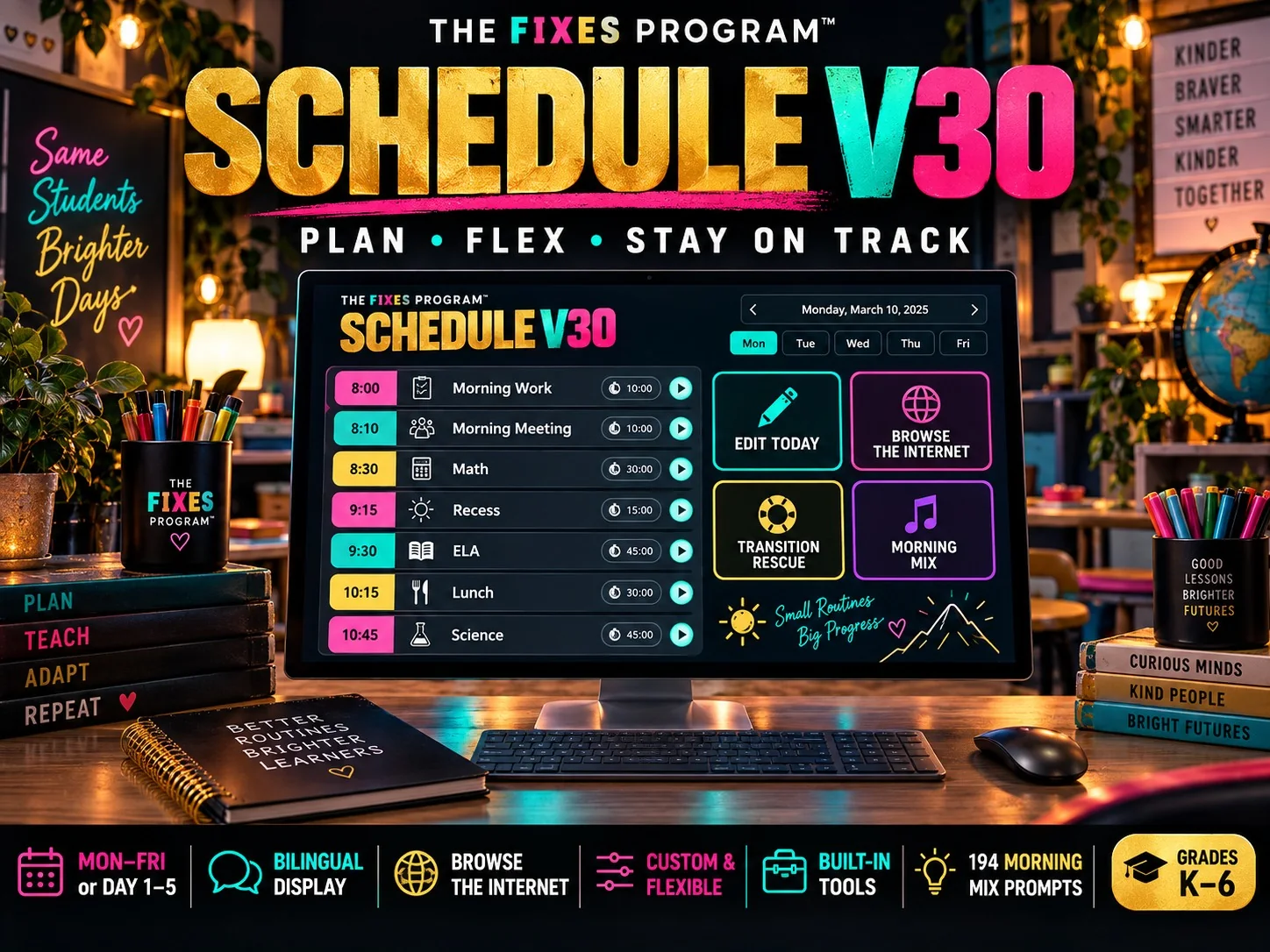
Keep the day visible without locking the day in place.
Day Rescue
When the class is ahead or behind, the Schedule helps the teacher protect anchors such as lunch, recess or dismissal and make the smallest useful adjustment.
Morning Mix
A bank of 194 prompts creates a quick daily discussion start with locally saved use history so the same prompts do not simply repeat.
Browse & Show
Paste a teacher-selected website, image, PDF or YouTube link into the middle stage while the day and timer keep running.
The middle pane can temporarily become the thing you need to show.
This feature stays. It is useful precisely because teachers sometimes need a diagram, article, image, PDF or video for two minutes and do not want to close the classroom dayboard. V30 keeps the schedule state running behind the middle pane and provides an Open Tab fallback when a site blocks embedded viewing.
Teacher-controlled external content: The Fixes does not inject ads into the Schedule. A teacher-selected third-party site can still display its own content or advertising, and some sites refuse to load inside another page. YouTube links use the privacy-enhanced player when possible. Preview unfamiliar material before projecting it.
The legacy Teachers Pay Teachers link has been removed from the runtime. The classroom screen remains free of The Fixes advertising, payment prompts and student accounts.
Local-first classroom state
Week setup, preferences and daily adjustments are designed to stay on the browser. The student-facing view does not require a login.