
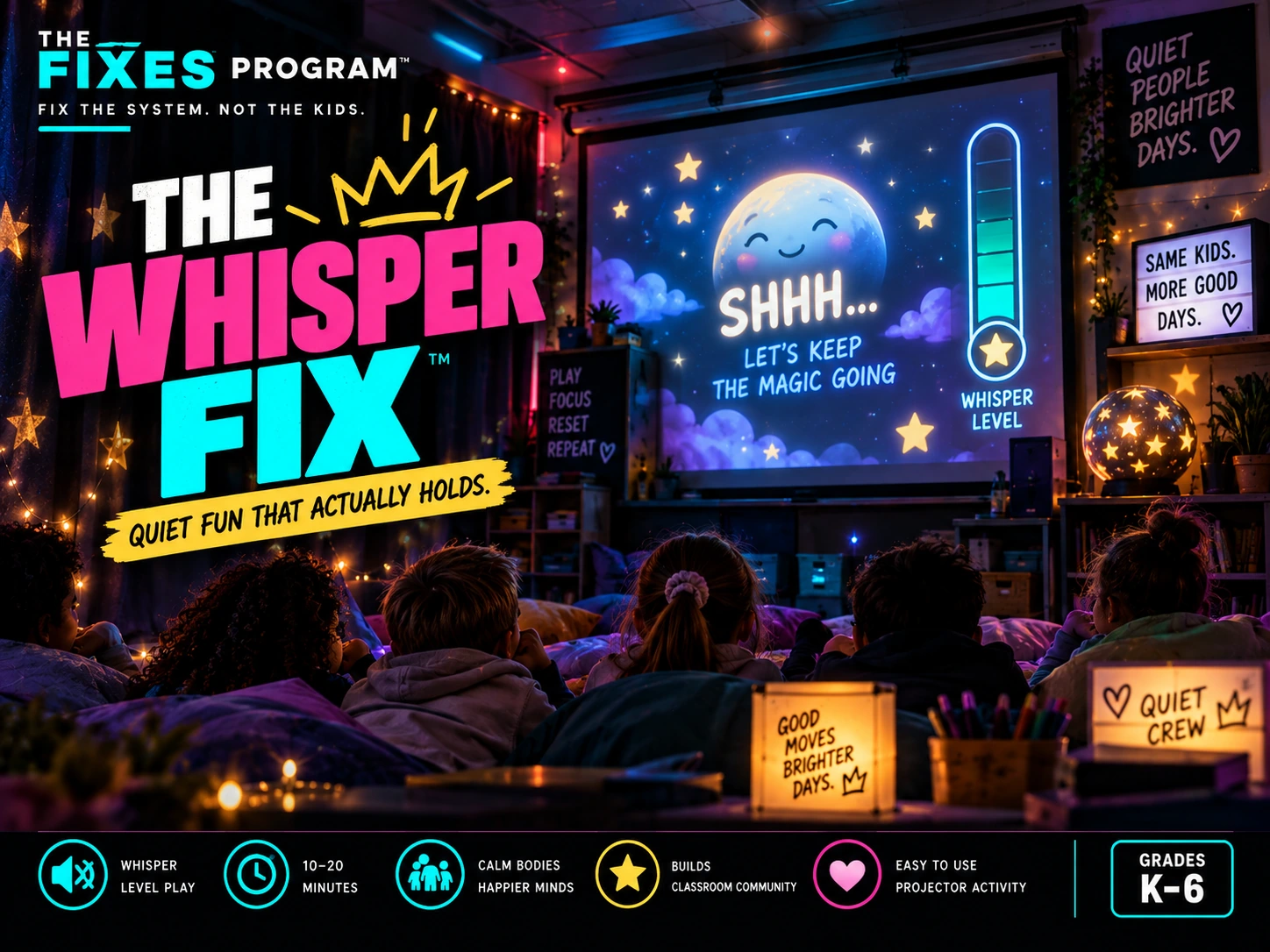
What this Fix is for
The Whisper Fix is for the strange classroom moments when students need something fun but the room cannot afford another loud game. It creates a shared experience without asking everyone to shout, race around the room or use individual devices. The class gets the payoff of a party-style reveal while the system rewards settling, waiting and low-volume participation.
How it works
The teacher opens Party Mode on the shared screen. The experience includes a short settle period, a playful scan and a visual payoff. Students do not need accounts, phones or tablets. The class can enjoy the spectacle while the teacher keeps the volume expectation visible and simple.
Why teachers keep it simple
- One shared screen; no student devices
- Useful for indoor recess, reward time or a quiet reset
- Short instructions and optional sound
- Designed to stay engaging without asking the room to get louder
What students actually see
The live classroom side is intentionally cleaner than this teacher page. There are no student accounts, no payment prompts and no advertising inside the activity. The teacher launches it from one shared screen and keeps control of pacing.
When to use it
Use it when you are searching for a quiet classroom game, indoor recess activity, low-volume class reward, rainy-day activity, Friday afternoon game or a way to settle the room without turning the moment into another lecture.
Use it without over-explaining it
Open the tool before the moment becomes messy, give the shortest possible direction, and let the visual structure carry the routine. The point is not to add another lesson to your day. It is to make an existing classroom moment easier to run and easier to repeat.
Built to be reusable
The strongest classroom tools are the ones students recognize the second time. Use the same launch language, the same screen and the same finish cue. Familiarity lowers setup time and helps the routine become something the class can do rather than something the teacher has to narrate from scratch.